









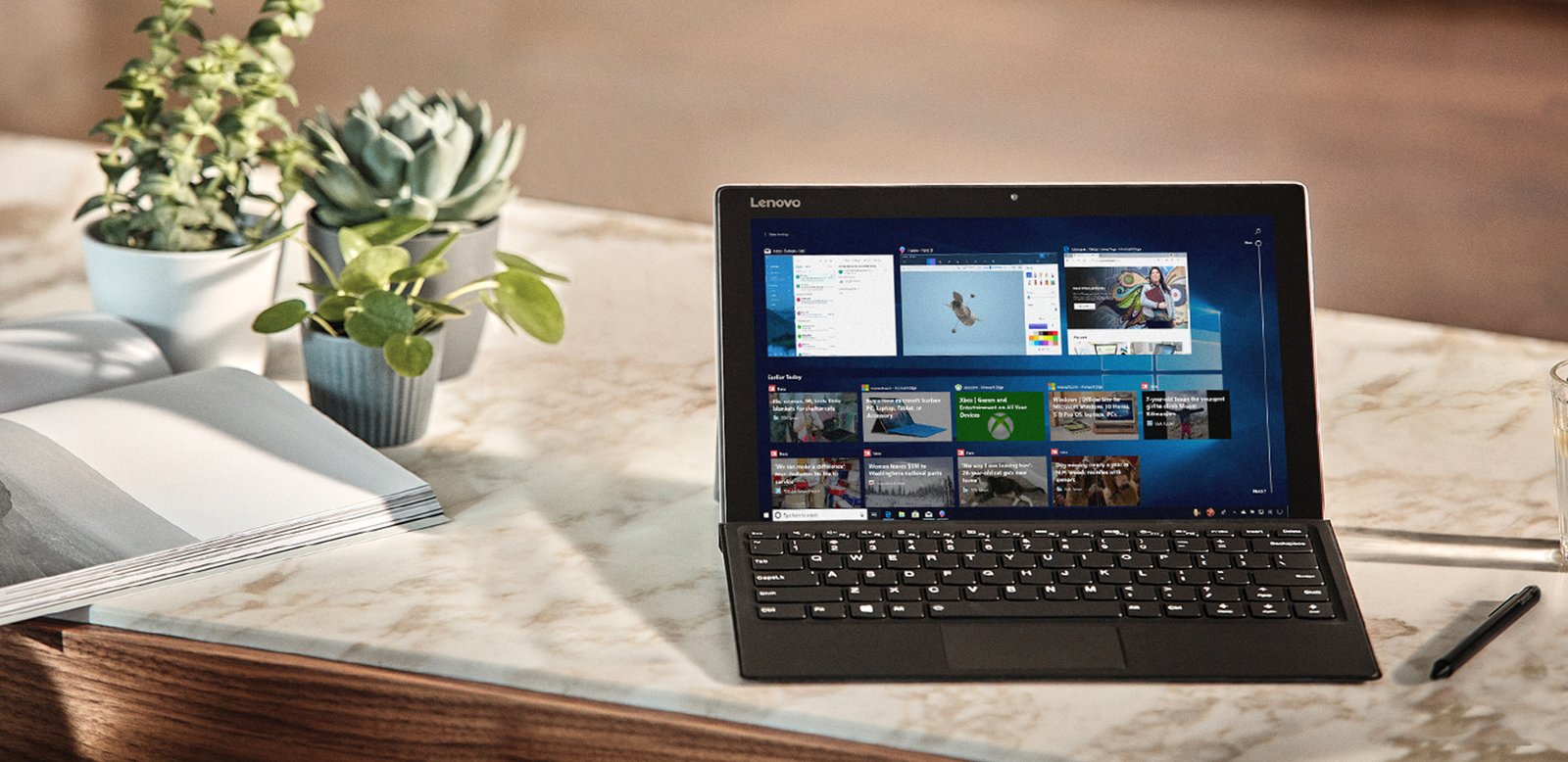
Windows 10 officially reaches its end of support today, October 14, 2025. Microsoft will no longer provide routine security updates or technical assistance for the operating system after this date. While Windows 10 will continue functioning, the lack of security patches increases vulnerability to malware and cyberattacks.
Users have three main options. First, upgrade to Windows 11 for free if your PC meets compatibility requirements. Second, buy a new PC with Windows 11 pre-installed. Third, enroll in Microsoft’s Extended Security Updates program, which provides critical security updates through October 2026.
Free Extended Security Updates option
Microsoft now offers a free path to enroll in the ESU program for Windows 10 users in the US. The program previously required a $30 fee. However, getting free access requires linking your Windows login to Microsoft’s cloud services and backing up your PC settings. The free option limits automatic cloud backups to 5GB.
To enroll, you need an administrator account and the latest Windows 10 updates installed. Head to Settings > Update & Security, then click “Enroll Now” when the option appears. Choose the free backup method, which syncs your data to OneDrive. Alternatively, you can pay $30 or use 1,000 Microsoft Rewards points to avoid the cloud backup requirement.
For users in the European Economic Area, Microsoft offers free ESU access without requiring cloud synchronization. However, you still need to sign in with a Microsoft account at least once every 60 days to remain enrolled.
This program buys time for users who cannot upgrade immediately but want to maintain security. It’s ideal for those with older hardware incompatible with Windows 11 or users who prefer waiting before switching operating systems. Remember that enrolling after October 14 won’t extend coverage beyond October 2026.
For tech enthusiasts and developers who rely heavily on their PCs, maintaining security is critical to protect data and system integrity. Windows 11 upgrade prompts have become less intrusive recently, but now is the time to make a decision. Without ongoing security updates, Windows 10 systems face increasing risks from new vulnerabilities that won’t be patched.