




Skip to content
Tuesday, May 26, 2026
  • Sony’s Upcoming State of Play Broadcast is Scheduled for June
  • LG’s Newest UltraGear Monitor Packs a 1000Hz Refresh Rate
  • Google’s Gemini Omni can make video from almost anything
  • How to Disable Google AI Overview on Desktop and Android

YouMobile

Newsletter
Random News
  • Home
    • About Us
  • AI
    • LLM
    • Robotic
  • Crypto
    • News
  • Smartphones
    • Apple
    • HTC
    • Huawei
    • OnePlus
    • Nokia
    • Honor
    • Nothing
    • Motorola
    • Oppo
    • Xiaomi
      • Redmi
    • Vivo
    • Sony
    • Samsung
    • RealMe
  • Apps & Software
    • Android
    • App Updates
    • Google Play
    • How To
    • Security
    • Windows
  • Reviews
  • Technology
    • Web Tech
    • Qualcomm
  • Tablets
    • ASUS
    • Microsoft
    • LG
    • Lenovo
  • Gaming
  • Accessories
    • Wearables
  • Sony’s Upcoming State of Play Broadcast is Scheduled for June
  • LG’s Newest UltraGear Monitor Packs a 1000Hz Refresh Rate
  • Google’s Gemini Omni can make video from almost anything
  • How to Disable Google AI Overview on Desktop and Android

YouMobile

Newsletter
Random News
  • Home
    • About Us
  • AI
    • LLM
    • Robotic
  • Crypto
    • News
  • Smartphones
    • Apple
    • HTC
    • Huawei
    • OnePlus
    • Nokia
    • Honor
    • Nothing
    • Motorola
    • Oppo
    • Xiaomi
      • Redmi
    • Vivo
    • Sony
    • Samsung
    • RealMe
  • Apps & Software
    • Android
    • App Updates
    • Google Play
    • How To
    • Security
    • Windows
  • Reviews
  • Technology
    • Web Tech
    • Qualcomm
  • Tablets
    • ASUS
    • Microsoft
    • LG
    • Lenovo
  • Gaming
  • Accessories
    • Wearables
Headlines
  • Sony’s Upcoming State of Play Broadcast is Scheduled for June

    4 days ago4 days ago
  • LG’s Newest UltraGear Monitor Packs a 1000Hz Refresh Rate

    5 days ago
  • Google’s Gemini Omni can make video from almost anything

    6 days ago6 days ago
  • How to Disable Google AI Overview on Desktop and Android

    1 week ago2 days ago
  • Apple’s new Siri app will let you auto-delete your chat history

    1 week ago1 week ago
  • A Pro Filmmaker Used Only the vivo X300 Ultra to Shoot Across South Africa

    2 weeks ago
  • Bitcoin Holds Above $80K as Crypto Market Builds Momentum

    2 weeks ago
  • Rivian Wants to Use its Own First-party AI Assistant in its Cars

    2 weeks ago2 weeks ago
  • Hackers used AI to build a working cyberattack for the first time

    2 weeks ago
  • Google Gemini just showed up in Samsung’s kitchen

    2 weeks ago
  • Home
  • 2021
  • October
  • 28
  • Motorola’s video advances its “Prepared For” real time content sharing component
  • Motorola
  • Technology

Motorola’s video advances its “Prepared For” real time content sharing component

YouMobile Editor5 years ago2 years ago02 mins

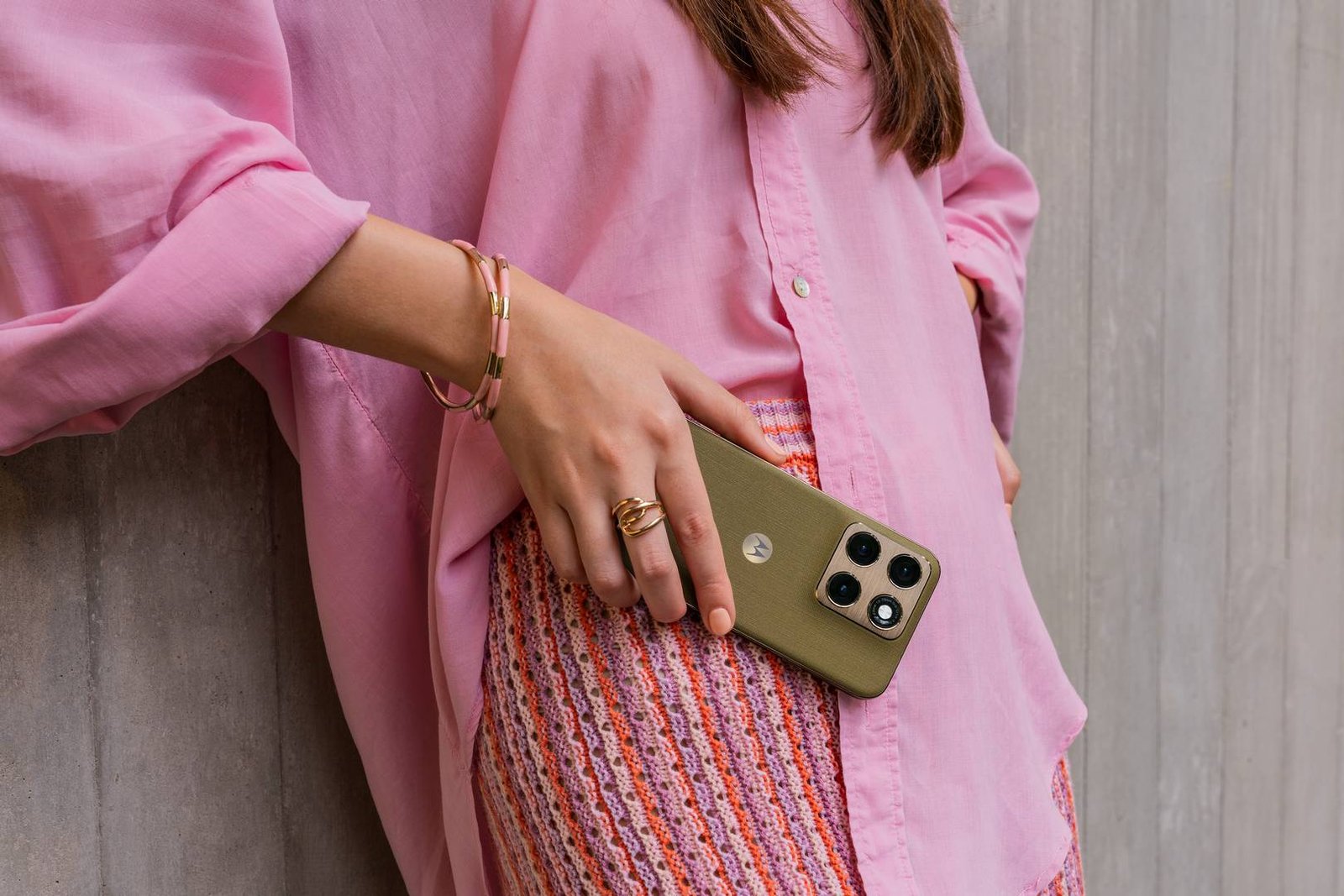
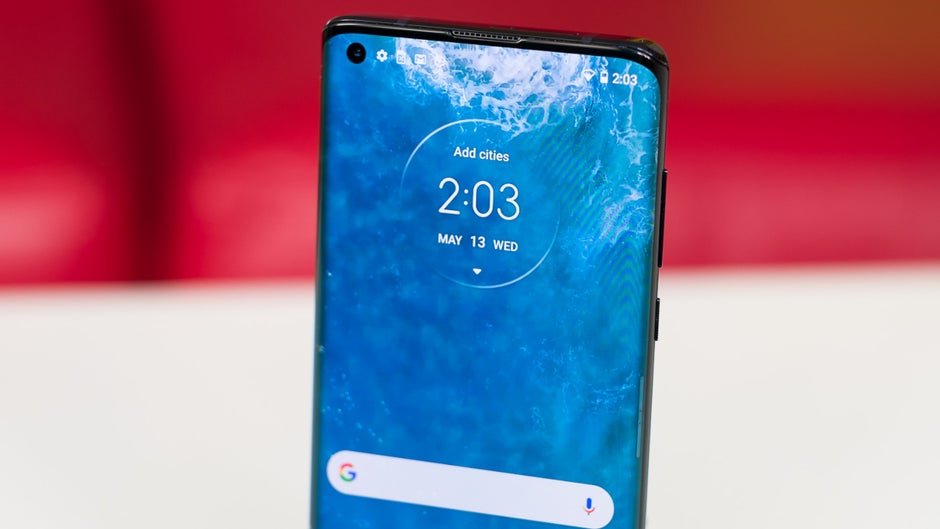
Motorola’s prepared for highlight permits you to “associate remotely to move your phone’s games to the big screen for an enormous increase in adrenaline. Indeed, even utilize your applications on a work area show, giving you more space to work and play.” Motorola delivered a video today showing how you can utilize your huge screened TV or PC screen to make computer games and streamed content more vivid.

To utilize the element, swipe down from the highest point of the showcase and press the prepared for tile from Quick Settings. Pick your TV or PC screen when it shows up on the presentation. Any TV that upholds Miracast innovation can be utilized. When the association between your phone and the TV or PC screen is made, your handset can be utilized as a trackpad for route, or a console for composing.

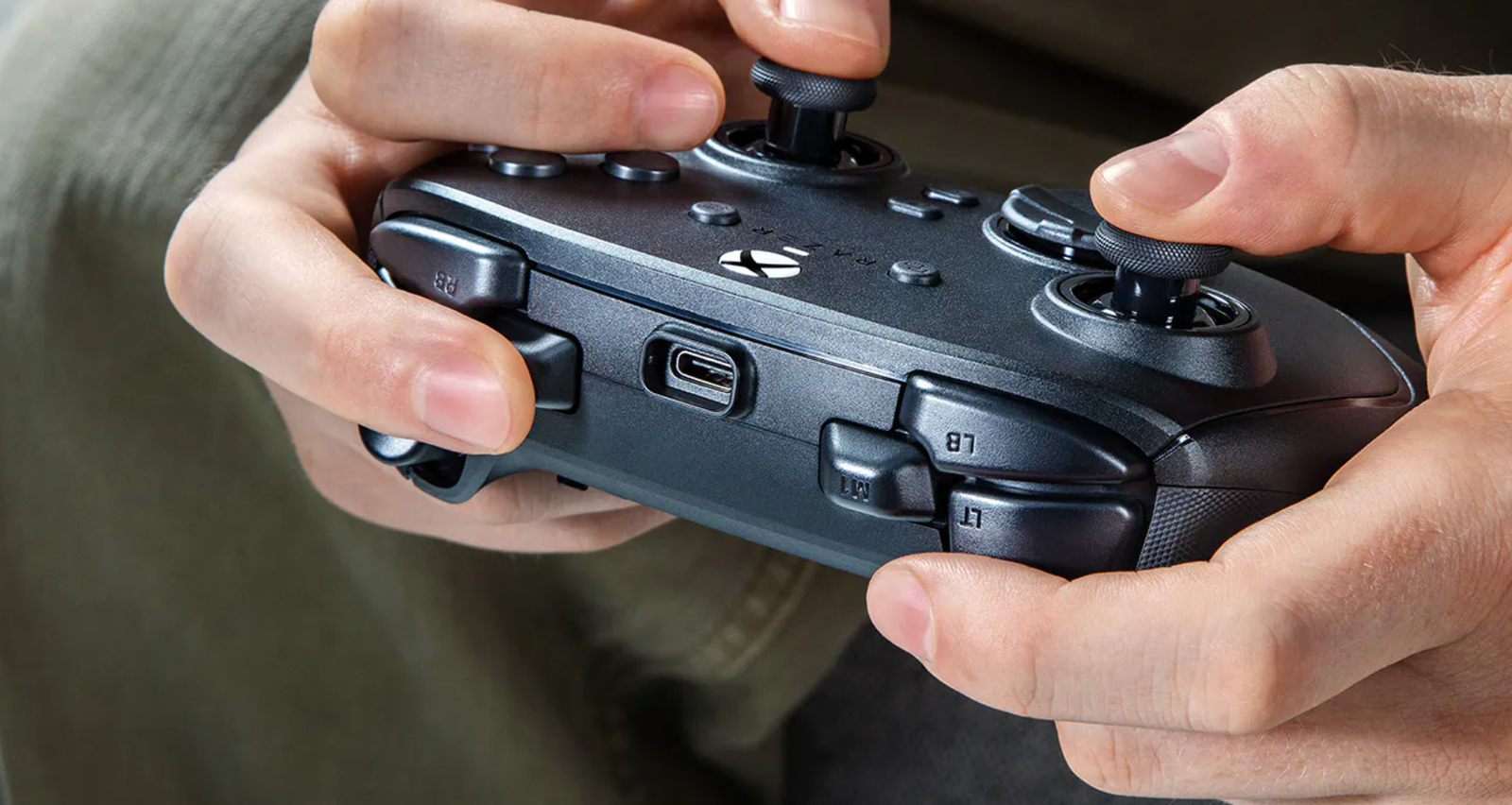
With prepared for, TV programs and motion pictures can be spilled from your phone’s presentation straightforwardly to a bigger TV screen or PC screen. Utilizing the element for gaming brings a control center like insight to your versatile games. A Bluetooth regulator can be added to make interactivity more exact. With the component, you can even move your video visits to the enormous TV screen holding tight the divider.

Prepared for will likewise work with the back cameras on your phone to convey excellent photography. With Advanced Subject Tracking, the subject of a video will consistently remain in the casing.

To attach your Motorola phone with your PC, you should simply examine a QR code with the camera on your phone to share your phone applications and PC documents on a similar screen. move information from your phone to your PC quickly. What’s more, your Motorola handset can be utilized as a Hi-Res webcam for more honed results than what you typically get from the camera on your PC.
Tagged: Content Sharing Enhanced Connectivity Innovative Features Mobile Sharing Motorola Prepared For Real-Time Streaming User Experience Video Promotion Wireless Technology

Post navigation

Previous: Reasons Why It Is Important To Protect Your Phone From Malicious Apps
Next: How do I get around Gamestop?

Leave a Reply Cancel reply

Your email address will not be published. Required fields are marked *

Related News

LG’s Newest UltraGear Monitor Packs a 1000Hz Refresh Rate

YouMobile Editor5 days ago0

A Pro Filmmaker Used Only the vivo X300 Ultra to Shoot Across South Africa

YouMobile Editor2 weeks ago0

Rivian Wants to Use its Own First-party AI Assistant in its Cars

YouMobile Editor2 weeks ago2 weeks ago0

Apple’s first AI wearable might already be in your ears sooner than you think

YouMobile Editor2 weeks ago2 weeks ago0

Search

October 2021
S M T W T F S
 12
3456789
10111213141516
17181920212223
24252627282930
31  
« Sep   Nov »

Search

Gallery

demo_image-26
post-column-01-13
demo_image-6
demo_image-38
post-column-01-4
post-column-01-6