




Google recently announced that it’s now bringing Gemini-powered voice controls to select TCL TVs running on Google TV, which will allow users to adjust picture and sound settings, troubleshoot audio-visual issues, and navigate menus without digging through tons of settings pages. Starting today, users can press the microphone button on their remote or use the “Hey Google” wake word to issue direct commands to Gemini.
With that in mind, users can now adjust standard settings by asking Gemini to change picture modes or modify individual elements like brightness, contrast, and bass for example. For audio or video issues, users can describe the problem—such as stating that “the screen is too dark” or “dialogue is muffled”—and Gemini will automatically tweak the settings to resolve the issue.
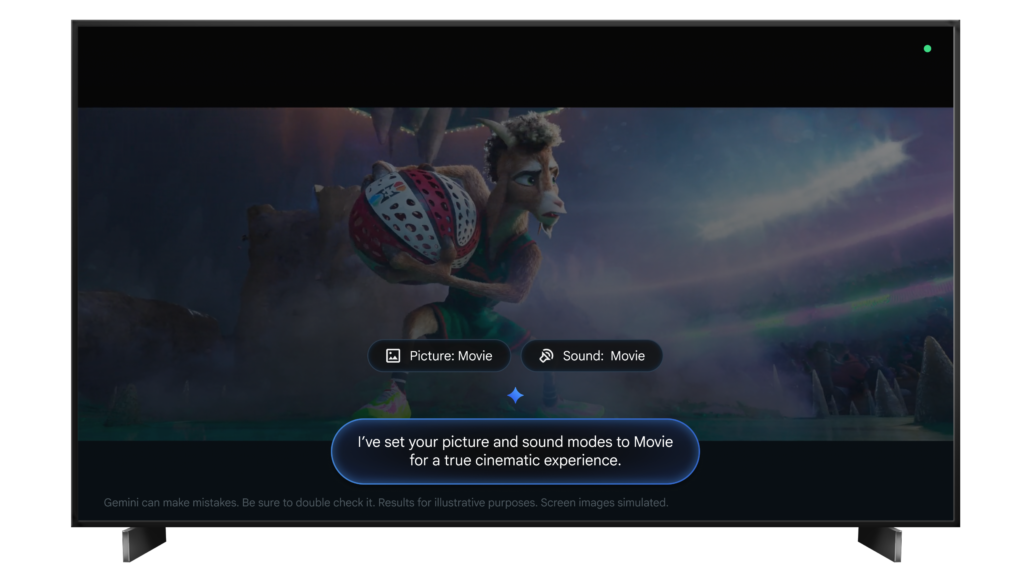
The AI can also optimize the display for specific content, like configuring a “cinematic experience” for movies, and can even double as a shortcut to open specific system menus instantly.
As for availability, Google says that the update is rolling out over the next few weeks, although it is currently limited for users in the United States. Additionally, the update will work for the TCL QM9K, X11L, QM9L, QM8L, and RM9L series TVs, and will need Android TV OS 14 or higher.